Description
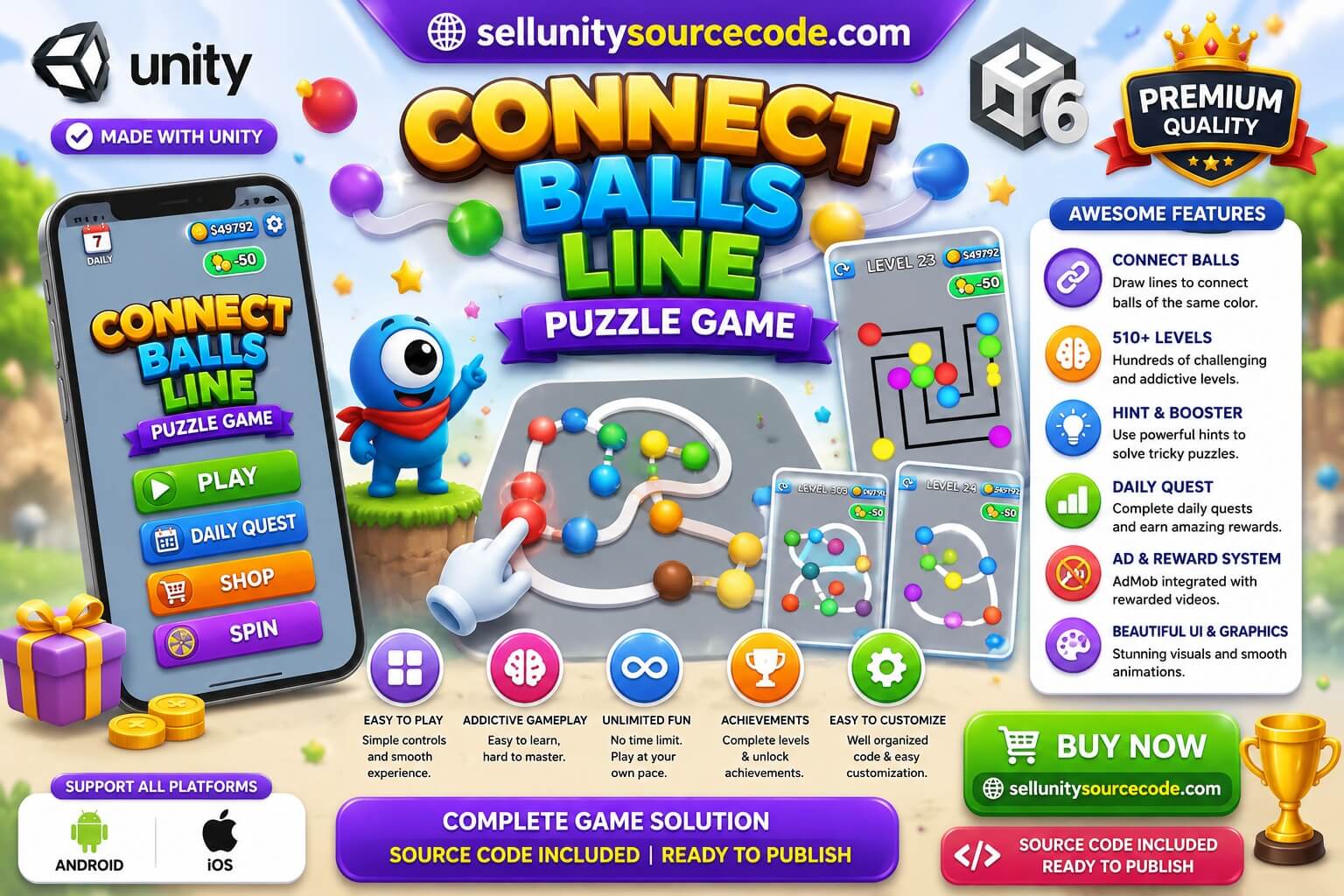
Connect Balls Line Logic Puzzle Game 3D is a complete Unity source code template designed for developers who want to create and publish a highly engaging mobile puzzle game.
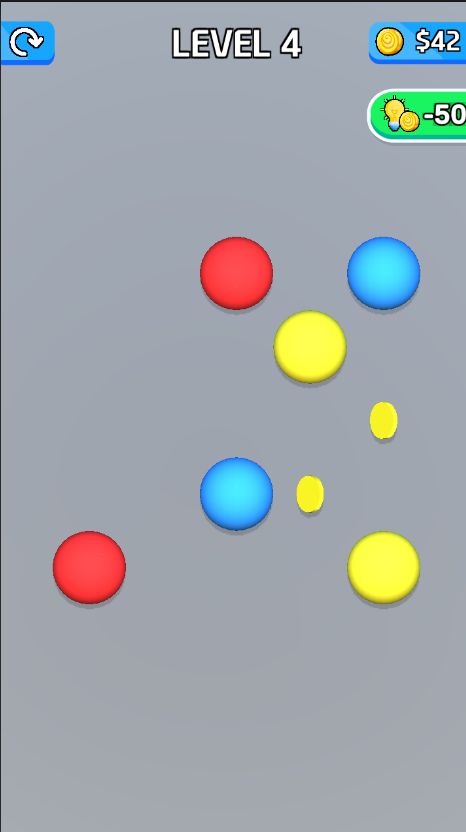
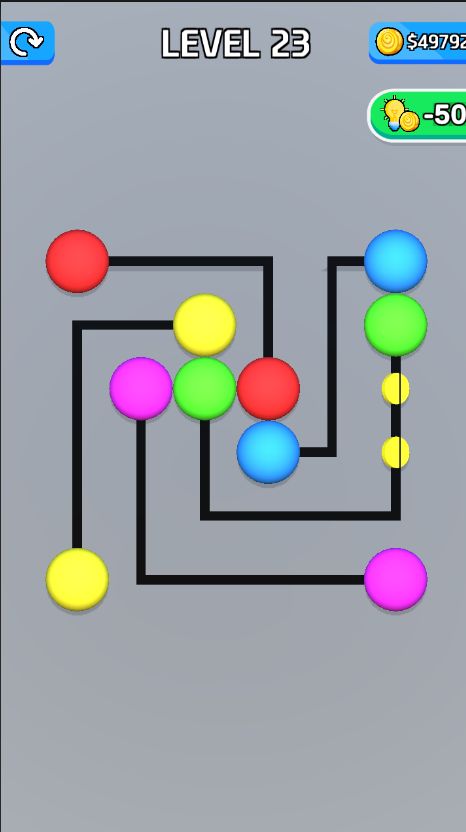
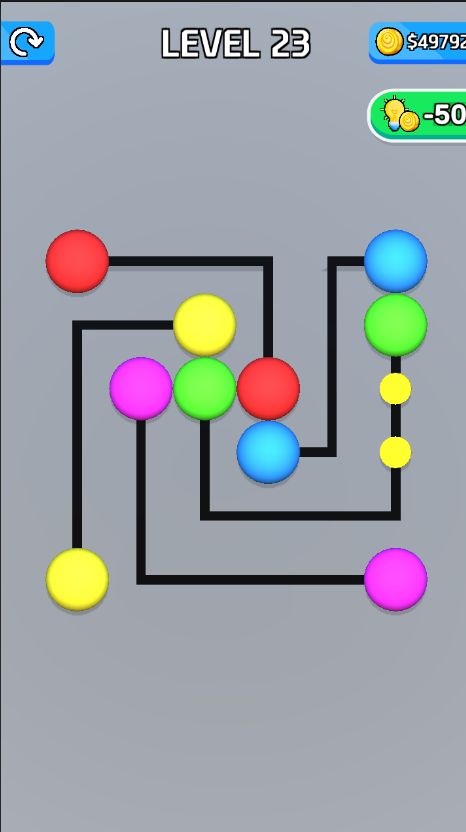
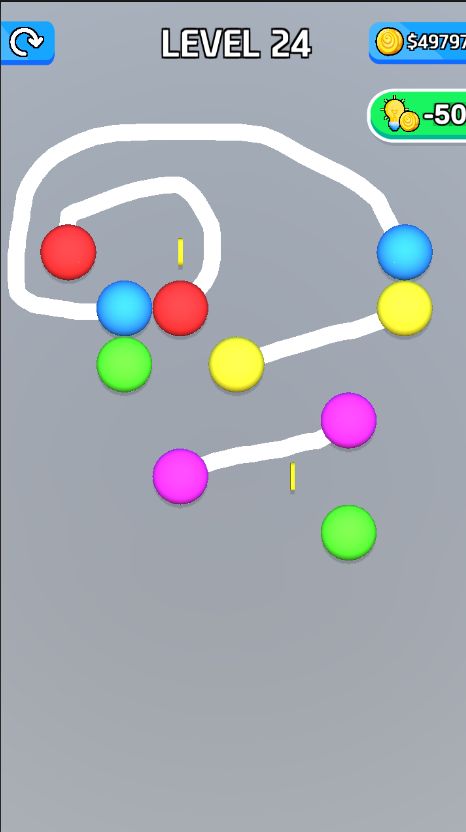
Players must connect all matching balls while ensuring that the lines never cross. This simple yet addictive gameplay mechanic challenges logic, planning, and problem-solving skills, making it suitable for players of all ages.
Inspired by top-trending puzzle games, this template includes over 510 carefully designed levels, retention systems, monetization features, and a scalable architecture for rapid customization and publishing.
Built with Unity 6, the project offers optimized mobile performance, smooth animations, vibrant graphics, and easy reskinning options. Whether you are an indie developer or an experienced publisher, this template provides everything needed to launch a profitable puzzle game.
Core Highlights
Proven connect-line puzzle gameplay
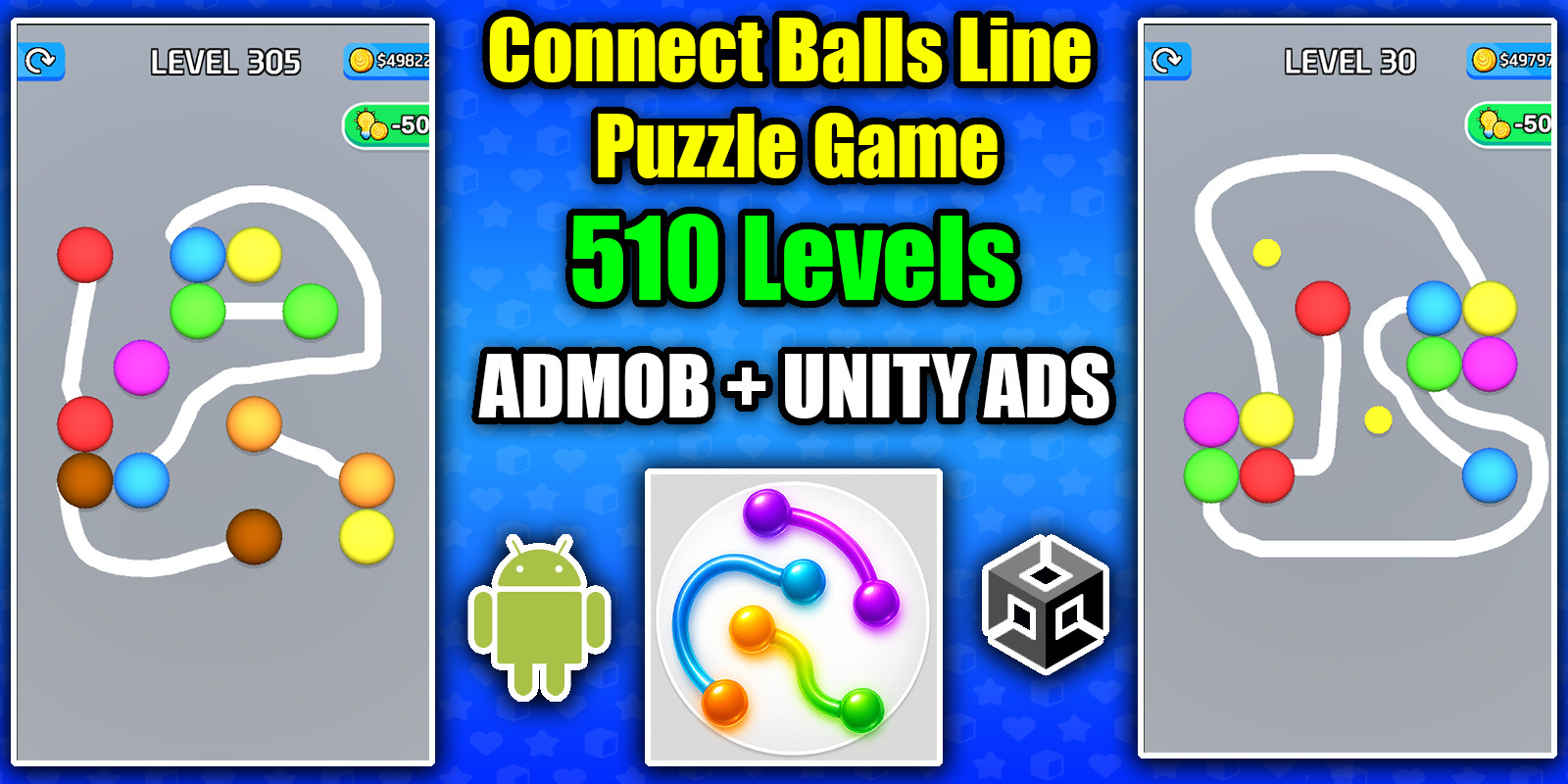
510 fun and challenging levels
Built with Unity 6
Monetization-ready architecture
Easy customization and reskinning
Optimized for mobile devices
Key Features
510 unique puzzle levels
Connect balls without crossing lines gameplay
Hint system included
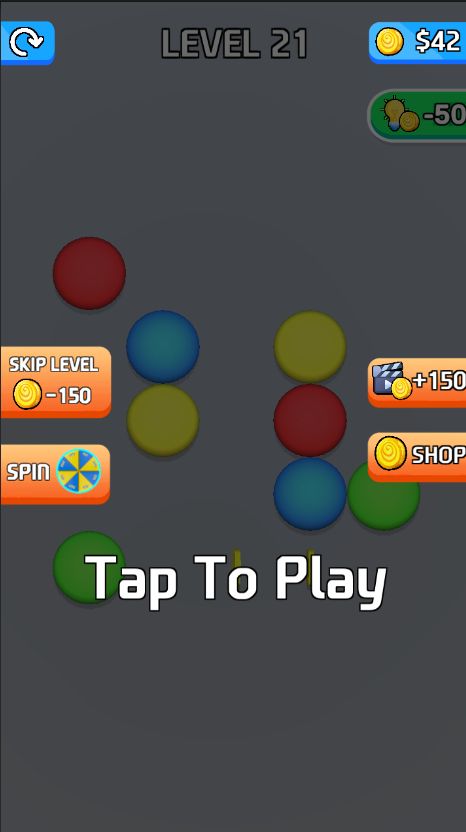
Skip level feature
Daily spin wheel rewards
Coins shop with in-app purchases
AdMob integration included
Unity Ads integration included
Banner ads support (AdMob)
Interstitial ads support
Rewarded ads support
Smooth animations and visual effects
Bright and vibrant graphics
Mobile-optimized performance
Phone and tablet support
IL2CPP ARM64 build support
Android App Bundle ready
Easy-to-edit source code
Ready for publishing
Technical Specifications
Engine: Unity 6
Recommended Version: 6000.2.13f1 or compatible
Genre: Logic Puzzle / Brain Teaser
Graphics: 3D
Programming Language: C#
Supported Platforms: Android, iOS
Build Support: IL2CPP ARM64 AAB
Gameplay
Players connect matching balls by drawing lines across the puzzle board. The challenge is to connect every pair successfully without allowing any lines to overlap or cross.
Monetization Features
AdMob integration
Unity Ads integration
In-app purchases
Daily rewards system
Spin wheel rewards
Coin economy
Requirements
Unity Hub installed
Unity 6000.2.13f1 or compatible version
Basic Unity knowledge
Android Build Support module
Xcode for iOS builds
Google AdMob account (optional)
Google Play Developer account (optional)
Setup Instructions
Download and extract the project files.
Open the project using Unity Hub.
Read the documentation included in the ZIP file.
Configure advertisement IDs and in-app purchases.
Customize graphics, sounds, and game settings.
Test gameplay and monetization systems.
Build and export for Android or iOS.
Publish your game using your developer account credentials.
Important Notes
In-app purchases function only after the game is published to Google Play or the Apple App Store.
Replace test advertisement IDs before publishing.
Ensure required build modules are installed through Unity Hub.
Why Choose This Template
Save months of development time
Launch a trending puzzle game quickly
Easy to customize and reskin
Includes built-in monetization systems
Optimized for mobile performance
Suitable for beginners and experienced developers
FAQ
How many levels are included?
The template includes 510 challenging puzzle levels.
Which ad networks are supported?
The project supports AdMob and Unity Ads.
Does the template support in-app purchases?
Yes. A complete coin shop and in-app purchase system are included.
Which platforms are supported?
The project supports Android and iOS devices.
Which Unity version is recommended?
Unity 6000.2.13f1 or any compatible version is recommended.
Connect Balls Line Puzzle Game Unity Source Code
Launch your own addictive logic puzzle game with this complete Unity source code template. Connect matching balls without crossing lines, unlock rewards, and monetize with built-in ads and in-app purchases.
$44.00
Product Details
- Categories:
- Unity Version: 2021.3+
- Files Included: .cs, .csproj, .dll, .prefab, .unityproj, .xml, build.settings
-
Platforms:
Android / iOS
- Last Update: Jun 19, 2026
Trust Features
-
Fully Tested & Optimized Code -
Project Demo Available -
Instant Download after purchase -
Developer Support Included